ComChemKit User Manual
ComChemKit is a high-performance, cluster-safe program designed to extract data from computational chemistry outputs and to create inputs. It runs in parallel with comprehensive safety features to prevent system overload and ensure stable operation in shared computing environments.
Overview
ComChemKit provides a comprehensive suite of tools for computational chemistry workflows:
Parallel Processing: Efficiently processes multiple Gaussian output files simultaneously
Job Management: Check and organize completed, failed, and problematic calculations
Energy Calculations: Extract thermodynamic data and calculate high-level energies
Coordinate Processing: Extract and organize molecular coordinates
Input Generation: Create Gaussian input files from XYZ coordinate files
Imaginary Mode Displacement: Displace geometries along imaginary normal modes (QRC) to generate reactant/product guesses from transition states
Input prarameters template: Generate and reuse parameter templates for different calculation types
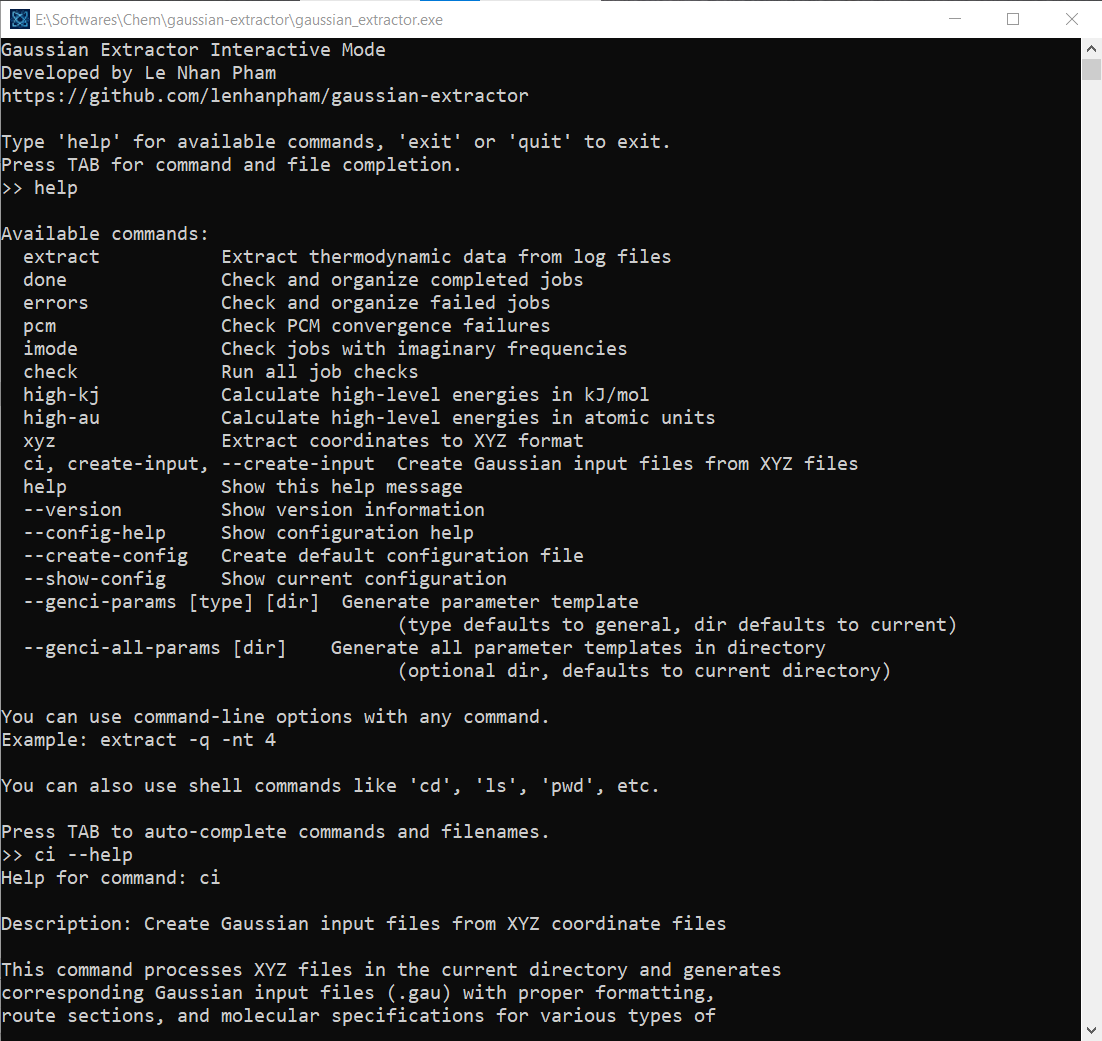
Windows interactive mode: Windows users can use all features plus popular linux commands in the interactive mode
Key Features
- Scientific Capabilities
Extract thermodynamic properties (Gibbs free energy, enthalpy, entropy)
Check and organize job statuses (completed, failed, errors)
Calculate high-level energies combining different theory levels
Process coordinates and generate input files
- Performance & Safety
Multi-threaded processing with automatic resource detection
Cluster-aware operation (SLURM, PBS, SGE, LSF)
Memory management with automatic limits
Graceful shutdown handling
- Workflow Integration
Command-line interface with extensive options
Configuration file support for defaults
Template system for reproducible calculations
Interactive mode for Windows users
Getting Started
New to ComChemKit? Start here:
Installation Guide - Install the software on your system
Usage Guide - Learn how to use all features with examples
api - Technical API documentation
Quick Start
# Basic usage - extract data from all .log files
cck

# Check job status and organize files
cck done     # Move completed jobs
cck errors   # Move failed jobs

# Generate input files from XYZ coordinates
cck ci --calc-type opt_freq
Contents
User Guide:
- Installation Guide
- Installation Methods
- Post-Installation Setup
- Troubleshooting
- Performance Optimization
- Uninstallation
- Getting Help
- Usage Guide
- Core Commands
- Configuration and Customization
- Performance and Resource Management
- Safety Features
- Advanced Workflows
- Troubleshooting
- Best Practices
- Command Reference
- Getting Help
Developer Guide:
API Reference:
Indices and Tables
Support & Contributing
For bug reports, feature requests, or safety concerns:
Issues: GitHub Issues
Documentation: This user manual
Help: Use
cck --helpfor command-line help
License
ComChemKit is released under the MIT License. See the LICENSE file for details.
Version Information
Current Version: v0.000.8
v0.000.1: Initial release featuring parallel data extraction, computational chemistry input generation, and thermo module for multi-program thermodynamic calculations
v0.000.2: Updated version with new calculation types and improvements in create input functionality
v0.000.3: Fix errors in create input functionality
v0.000.4: Update concentration correction message
v0.000.5: Thermal correction for high-level of theory
v0.000.6: Print low-frequency vibrational treatment info in results
v0.000.7: Add support for fixing PCM solvation discontinuity error
v0.000.8: Support extracting coordinates with displacement of imaginary modes from geometrical optimization containing imaginary modes
Note
This documentation is for ComChemKit v0.000.6. For older versions, please refer to the archived documentation.